BUNDLE & SAVE
Couldn't load pickup availability

Dluvivo® Smart Bluetooth Fingerbot – App-Controlled Button Pusher(upsell)

Shipping Insurance

Turn Everyday Buttons Into One-Tap Automations.
Stick the compact Fingerbot beside a physical button, pair it with your phone, and let the tiny robotic arm press it for you.
Smart Control Without Replacing the Device.
Keep the appliance or switch you already use. Fingerbot adds a physical press without opening walls, rewiring circuits, or replacing the appliance.
Stick It Beside the Button
Clean and dry the surface, position the arm over the control, and secure the adhesive mount.
Pair It With Your Phone
Connect through the compatible Bluetooth app and adjust the arm movement for the button.
Tap or Schedule
Activate it in the app, use the top button manually, or create a routine for repeated tasks.

Handle the Repetitive Presses for You.
Use it where the control is awkward, easy to forget, or simply more convenient from your phone.
- Light and rocker switches
- Coffee makers and kitchen appliances
- Computers, printers, and office equipment
- Fans, air conditioners, and push-button devices
Compatibility depends on the button shape, travel distance, mounting space, and arm attachment.
Make Existing Devices Easier to Reach.
Use nearby Bluetooth control to press a physical button from your phone. The original switch or appliance stays exactly where it is.


Build Simple Routines Around Your Day.
Create scheduled presses for devices used at predictable times, such as starting a coffee maker in the morning or switching something off at night.
Flexible Enough for More Than One Setup.
The compact body and adjustable arm make Fingerbot useful across many common physical controls.

Small Enough to Stay Out of the Way.
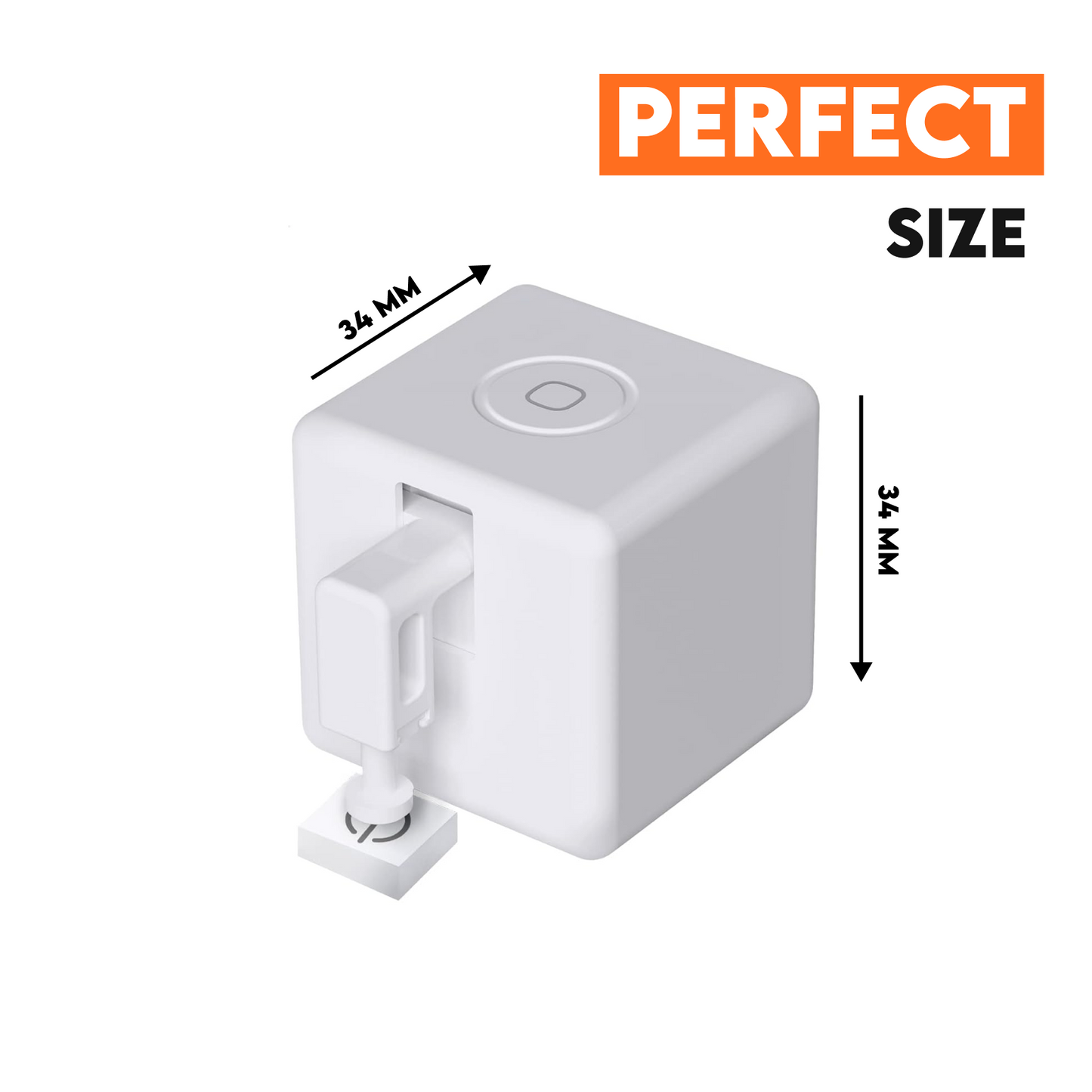
The cube-shaped body measures approximately 34 × 34 mm before accounting for the arm and mount, helping it fit beside many controls without taking over the surface.
Measure the available mounting area before ordering. Control outside normal Bluetooth range may require a separately compatible gateway or hub.

Check the Fit Before You Stick It.
Does it replace my existing switch or appliance?
No. Fingerbot physically presses the existing button, so the original device stays in place.
Can I activate it without opening the app?
Yes. The top touch button can be used for manual activation after setup.
Will it work with every button?
Not necessarily. Flat push buttons are usually the easiest fit. Rocker switches or recessed controls may require a compatible attachment and enough mounting space.
Can I control it away from home?
Bluetooth control is intended for nearby use. Access outside Bluetooth range may require a compatible gateway or hub, depending on the app ecosystem.
How should I install the adhesive?
Clean and dry the surface first, test the arm position, then press the adhesive firmly in place. Repositioning may require a replacement adhesive pad.